
Alumni update from LinkedIn. AlumniConnect does the rest.
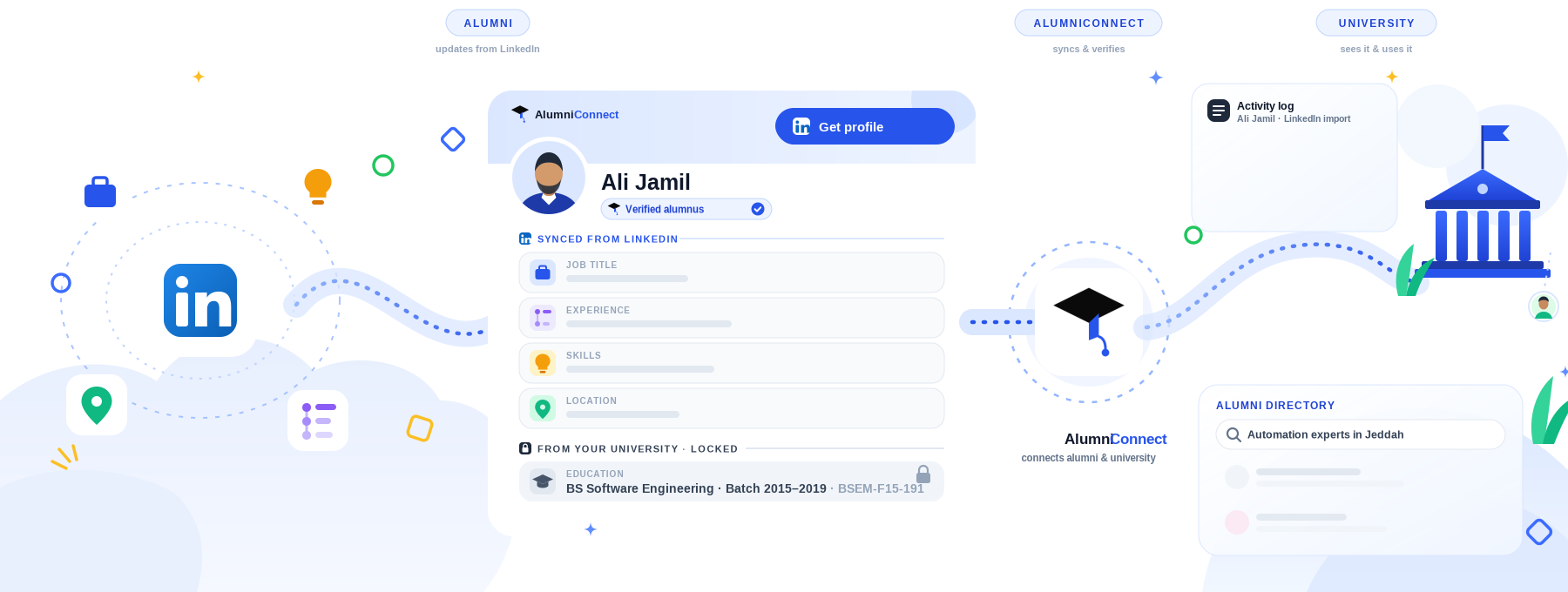
One click on “Get profile” and an alumnus's latest role, experience, skills and location flow into their verified profile — and straight to your directory, search and activity log.
- 1click
- for the alumnus
- 10fields
- kept fresh
- 0passwords
- asked or stored
- 100%
- of changes logged
Before & after
From 2019 to today
in one click.
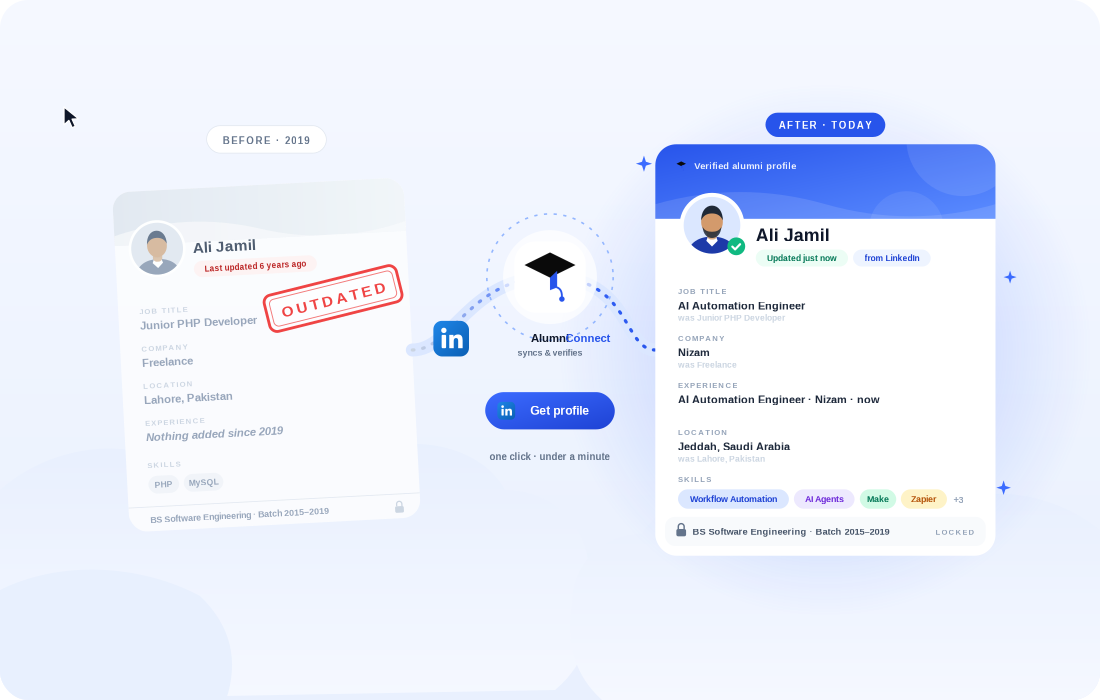
Most alumni records freeze on graduation day. Ali's still said Junior PHP Developer, Lahore. One click later it says who he is now — AI Automation Engineer at Nizam in Jeddah, with seven new skills and his Nizam experience.
How it works
One click. Four things happen.
Alumni do it themselves. Everything after the click is automatic.
01
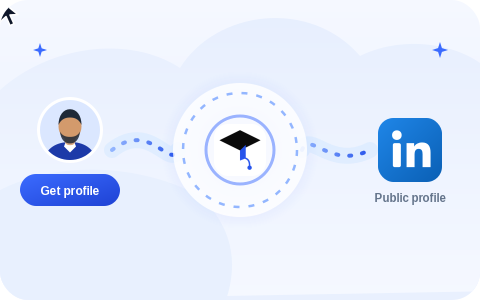
Alumni click “Get profile”
They save their LinkedIn profile URL under Personal & contact and click Get profile — from their own portal, whenever their career moves. Nobody on your team lifts a finger.
02
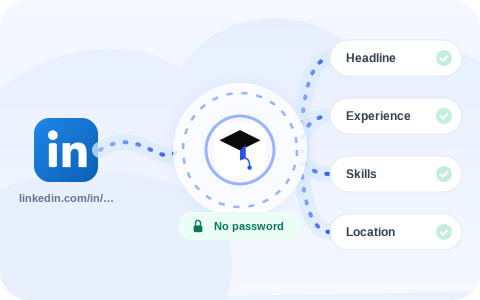
AlumniConnect reads the public profile
We fetch their public LinkedIn profile in the background. No LinkedIn sign-in, no password, nothing to authorise — and only one fetch runs at a time.
03
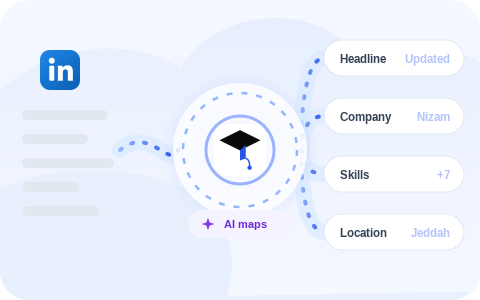
AI maps it to your fields
LinkedIn is free text. AI turns it into your clean, structured fields — headline, company, job type, skills from your catalog, location and experience.
04
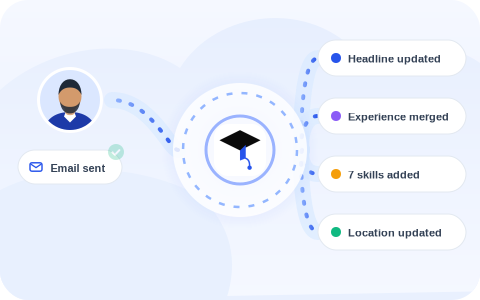
Everyone is in the loop
The alumnus receives a “profile updated from LinkedIn” email from your university, and every change lands in their activity log for your team.
Privacy & control
Safe by design.
Alumni decide when to update. Your university decides what can never change.
No LinkedIn password
Public profile only. Alumni never sign in to LinkedIn through us.
Alumni-triggered
Imports run only when an alumnus clicks Get profile.
Records stay locked
Academic, identity and contact details can't be overwritten.
Built-in cooldown
A short wait between refreshes keeps profiles from being spammed.
Full transparency
Every change logged; the alumnus is emailed each time.
Alumni stay in charge
Anything imported can still be edited from their profile.
The old way
- Update surveys nobody fills in
- Job titles years out of date
- Staff retyping profiles by hand
- No record of who changed what
With AlumniConnect
- Alumni update themselves in one click
- No LinkedIn password ever shared
- University records stay locked
- Every change logged for your team
FAQ
Questions, answered.
Want to see it on your own alumni?
Book a demoLinkedIn Import is part of the Alumni Directory.
Do alumni have to log in to LinkedIn?
No. The alumnus saves their public LinkedIn profile URL in AlumniConnect and clicks Get profile. We never ask for, see or store a LinkedIn password.
Can an import overwrite our university records?
No. Degree, major, batch, roll number, name, email, phone, ID and permanent address are never changed. Graduation year is only filled when it's empty.
Does it delete anything?
No. Experience is merged and skills are added — existing entries stay. Career fields like headline and company are updated to the latest values.
How will our team know a profile changed?
Every import is recorded in that alumnus's activity log (open the alumnus and choose “View logs”), with each change and when it happened. Admins can also view the raw LinkedIn data behind it.
Will the alumnus know?
Yes. They receive a branded “Your profile was updated from LinkedIn” email from your university each time an import completes.
How often can alumni refresh?
Whenever their career moves. There's a short cooldown between fetches, and only one fetch can run at a time.
What if LinkedIn has something wrong?
The alumnus can edit any imported field from their profile at any time, and your team can see the history in the activity log.
Let's take a Live Demo
See how Alumni Connect transforms your alumni relations in 30 minutes.